Shopify Flow is Shopify's native, no-code automation platform — and it's completely free on the Basic plan and above. At its core, it monitors your store for events and lets you define a sequence of actions taken in response, all without writing a single line of code.
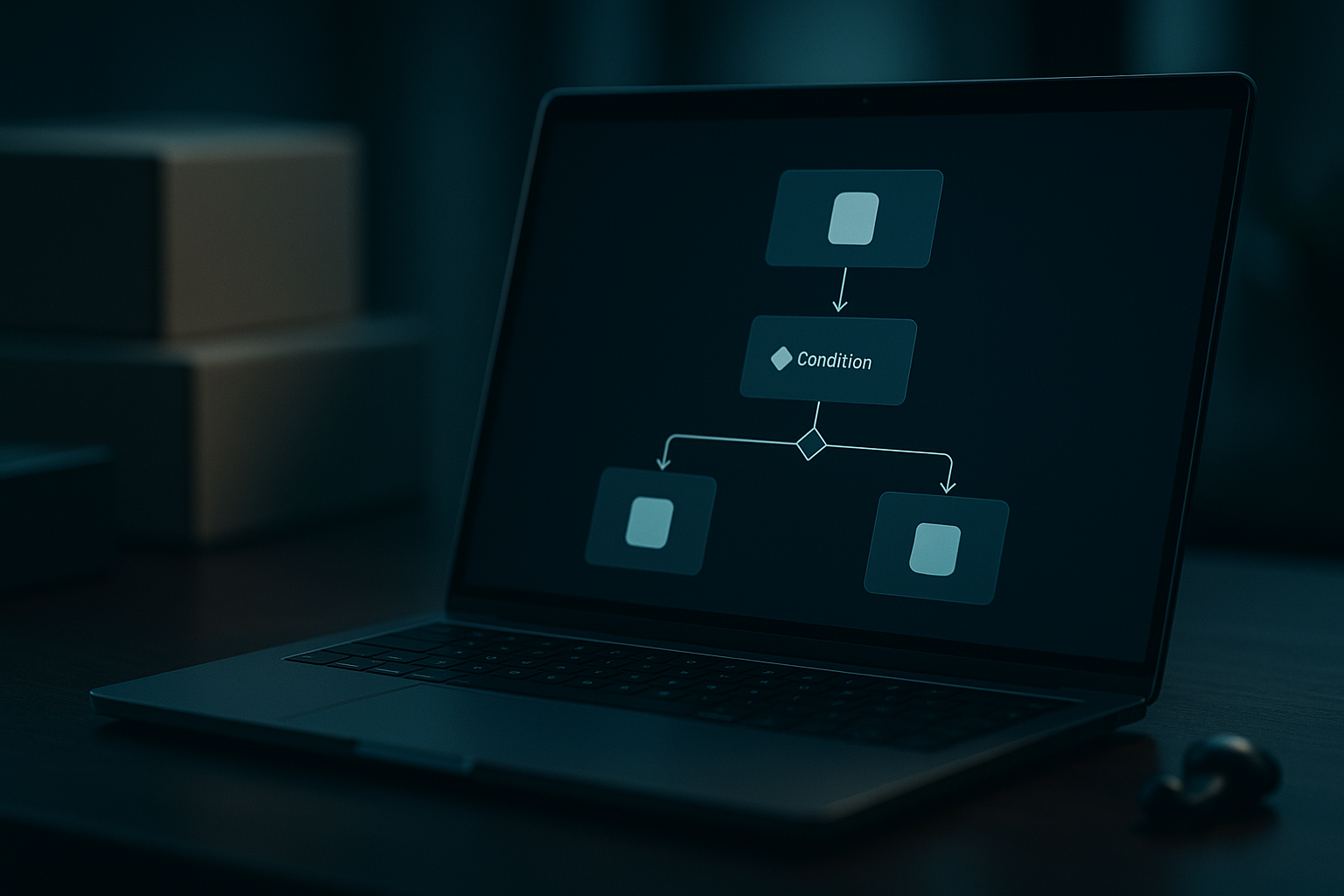
The logic is simple: Trigger → Condition → Action. Think of it as a programmable "if this, then that" engine running silently in the background of your admin. An order is placed (trigger), the order total exceeds $150 (condition), send a Slack notification to your fulfillment team (action).
For dropshippers, this matters enormously. You're operating with thin margins and high order volume, often relying on suppliers thousands of miles away. Manual processes don't just waste time — they introduce errors that cost you money and customer trust.
The goal of automation isn't to remove yourself from your business — it's to remove yourself from the parts that don't require your judgment. Flow handles the mechanical; you handle the strategic.
Getting started takes less than five minutes. Here's the exact path:
Flow's template library includes pre-made automations for inventory, marketing, and order management, so you can plug in a working workflow in minutes rather than building from zero.
Not all workflows are created equal. These five are specifically high-value for dropshipping operations — especially if you source from Chinese marketplaces like 1688, Taobao, or Weidian.
When an order contains a product tagged with a specific supplier or category (e.g., "1688-supplier-A" or "electronics"), Flow can automatically tag the entire order. This makes it trivial to filter your orders dashboard and batch-send to the right fulfillment pipeline.
This kind of tagging also feeds directly into reporting and makes your operations auditable at scale.
Nothing kills customer trust faster than selling an item that's out of stock. Use Flow to automatically unpublish a product the moment its inventory hits zero, and re-publish it when stock is replenished.
Add a second branch: when inventory rises above your minimum threshold, re-publish automatically. No more manual monitoring required.
Dropshippers are disproportionately targeted by fraud because of longer shipping windows and relaxed return policies. Flow can catch Shopify's built-in fraud risk scores and pause fulfillment before your supplier ships.
This single workflow can save you thousands in disputed chargebacks over the course of a year.
Not every order is equal. A $500 order from a repeat VIP customer deserves immediate attention — not to sit in a queue. Set up a workflow to ping your Slack channel or send an email notification the moment a high-value order lands.
For dropshippers managing a hybrid model — part just-in-time, part pre-stocked inventory — a reorder alert workflow is essential. Set a minimum stock level per SKU, and when inventory dips below it, Flow sends you an automated reorder reminder.
If you're sourcing directly from 1688 or Taobao, this is the moment to queue up a new order through your fulfillment partner. Tools like Piratify — which connects your Shopify store to Chinese marketplaces with integrated fulfillment — let you act on these alerts immediately without switching between tabs or platforms.
Shopify Flow is powerful, but it's an internal automation layer — it doesn't directly communicate with external suppliers. Here's how it stacks up against the most popular dropshipping apps:
| Feature | Shopify Flow | DSers | AutoDS | Zendrop |
|---|---|---|---|---|
| Cost | Free (all plans) | Free / Paid tiers | Paid | Free / Paid tiers |
| No-code builder | ✅ Visual drag-and-drop | Limited | ✅ | Limited |
| Supplier integration | ❌ (internal only) | ✅ AliExpress | ✅ Multi-platform | ✅ US/EU suppliers |
| Order routing to supplier | ❌ | ✅ | ✅ | ✅ |
| Custom logic & tagging | ✅ (advanced) | Limited | Limited | Limited |
| Fraud detection integration | ✅ | ❌ | Limited | ❌ |
| Works with China marketplaces (1688, Taobao) | Via webhook/integration | Partial | Partial | ❌ |
The smart play is to use both. Let Flow handle internal store logic — tagging, alerts, fraud flags, stock visibility — while your supplier-side tool handles order routing, tracking sync, and product imports. They're complementary, not competing.
Once you've nailed the basics, level up with these practices:
For dropshippers managing operations across Chinese sourcing platforms, consider pairing Flow's internal triggers with a webhook layer to bridge actions to external systems. Flow catches the event inside Shopify — your external tool acts on it. Learn more about building an efficient China-sourcing stack in our guide on automating your Shopify China sourcing workflow.
Flow is powerful within Shopify's ecosystem, but it has clear boundaries. Understanding these limits saves you from building workflows that will never work as expected.
The practical takeaway: use Flow as your internal operations layer, and pair it with a purpose-built sourcing and fulfillment solution for everything that touches your suppliers. For more on bridging that gap, see our overview of the best Shopify apps for dropshipping from China.
Yes. Shopify Flow is a free app available on the Basic, Grow, Advanced, and Plus plans. There's no monthly fee — you simply install it from the Shopify App Store and start building workflows immediately.
Not directly. Shopify Flow operates within Shopify's internal ecosystem — it can tag, flag, notify, and route orders, but it cannot place orders on external platforms like 1688 or Taobao on your behalf. You'll need a dedicated sourcing and fulfillment tool to close that loop. Flow and a supplier-side platform work best in tandem.
Shopify doesn't impose a hard cap on the number of active workflows on standard plans, but best practice is to start small (3–5 workflows), validate each one in testing before activation, and audit regularly. Overloaded or overlapping flows can create data inconsistencies in your store.